
Every vendor demo of an AI customer support agent looks the same: a scripted question, a confident answer, applause. Then it goes live and answers a billing question with a hallucinated refund policy, or tells a user to click a button that moved three releases ago. The gap between demo and deployment is where most of these tools die quietly, and most buyers don't have a good way to catch it before signing.
We've sat through enough of these evaluations (on both sides of the table) to know the questions that actually predict whether an agent will hold up. None of them are "how good is the LLM." That part is basically solved. What's not solved is everything around it.
Ask what it does when it doesn't know
The single most revealing test of an AI customer support agent is not the questions it gets right. It's what happens on the ones it can't answer. Some agents guess. Some repeat the nearest paragraph from a help doc that doesn't quite apply. Some escalate everything, which just relabels the problem as a longer queue.
Watch for:
- Does it say "I'm not sure" instead of fabricating a plausible-sounding answer?
- Does an escalation include the full conversation and account context, or does the human agent start from zero?
- Does it get more accurate over time as new tickets reveal gaps, or does accuracy quietly decay as your product changes?
We wrote about the incentive problem underneath this in why most AI customer support tools are optimized to lie to you — a lot of tools are graded on containment rate, which rewards a confident wrong answer over an honest escalation. If the vendor can't explain how their agent avoids that trap, that's your answer.
Ask if it can act, or only describe
A support agent that can only explain where a setting lives is doing customer support with one hand tied behind its back. Most account issues aren't information problems, they're task problems — cancel this, update that, retry the failed payment. If your AI customer support agent can't touch the backend, every one of those still becomes a ticket, just a slightly better-documented one.
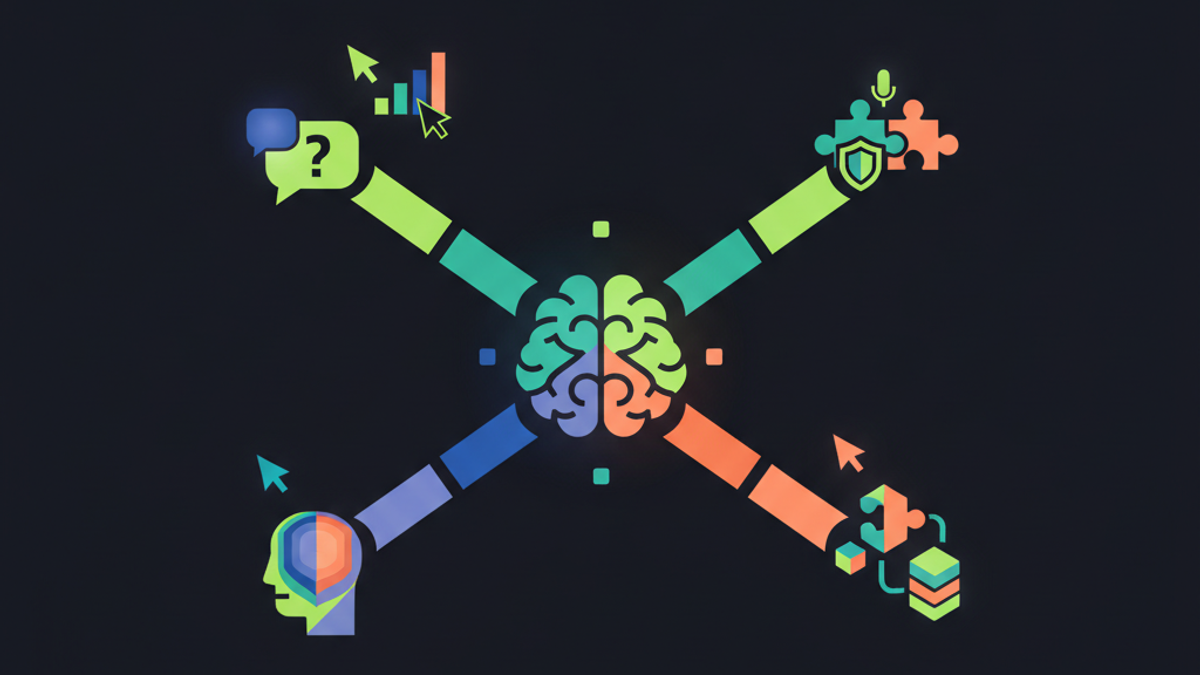
This is the distinction we care about most, and it's why Peeve is built around three things happening on the actual product screen: it can show a user exactly where to click, it can do the action itself with confirmation, or it hands off to a human with everything intact. We've argued this in more depth elsewhere, but the short version for an evaluation: ask for a live action, not a scripted answer. If the agent can only talk, budget for a lot of tickets it was supposed to prevent.
Ask where the knowledge actually comes from
Most AI customer support agents are trained once on a help center snapshot and then slowly go stale as your product ships changes nobody remembers to document. The tell is a support lead manually re-uploading docs every few weeks, hoping the model catches up.
A better question: what happens the first time a user asks about a feature that shipped yesterday? Does the agent fail silently, or does it flag the gap and self-correct? This is the whole idea behind the Brain — documentation that updates itself from real conversations and product changes instead of waiting for someone to notice it's out of date. If a vendor's answer to "how does it stay current" is "we retrain quarterly," that's a maintenance job you just inherited.
Ask what it can see, and what it can't
This one gets skipped in most RFPs and shouldn't. An agent embedded in your product, with access to account data and the ability to take actions, is a real part of your security surface. Ask exactly what data it stores, what it can never access, and what a breach on the vendor's side would actually expose. We put our own answer to this in writing at security posture because we think it should be checkable without a call, the same way we think pricing should be.
Ask how you'd know it's working
A lot of agents report a single number — resolution rate — and call it done. That number can be improved by making the agent more evasive, which is the opposite of useful. What you actually want is visibility into where users get stuck in the first place, which tells you what to fix upstream instead of just patching it with better answers downstream. That's the job of stuck-point analytics: not "how many tickets did we deflect" but "what part of the product is generating them."
If you run a support team evaluating this category, it's worth reading how we think about the underlying goal in the first place — not deflection, but not answering the same question forever. And if you're comparing specific products rather than the category in the abstract, our head-to-head on Peeve vs Intercom Fin goes through most of these same criteria with actual specifics. Demos are cheap. Ask the questions that don't show up in one.